
Building a simple timer using Excel VBA to track my Rubik’s cube solving speed [case study]
Today, lets learn how to make a simple timer app using Excel. First some background…,
Recently, I learned how to solve Rubik’s cube from my nephew. As a budding cuber, I wanted to track my progress. Initially I used the stopwatch in my iPhone. But it wont let me track previous times. So I thought, “Well, I can use Excel for this”.
So I made a small timer app using Excel. Its quite minimalistic. It has a single button. I press it and it tracks the start time (date & time stamp). If I press the button again, it records the duration.
This way, I can see my progress over next few weeks and may be plot the trend.
Creating a Masterchef Style Clock in Excel [for fun]
Jo (wife) likes to watch Masterchef Australia, a cooking reality show every night. Even though I do not find contestant’s culinary combats comforting, occasionally I just sit and watch. You see, I like food.
The basic premise of the program is who cooks best in given time. To tell people how much time is left, they use a clock that indicates how much time is left (much like a stop clock, with a small twist).
One day, while watching such intense battle, my mind went
It be cool to make such a clock using hmm… Excel?
While I cannot share my snapper (or pretty much any other food item) with you, I can share my Masterchef style Excel clock with you. So behold,
Count-down Timer App in VBA to Remind you about the VBAClasses Closing Time!!!
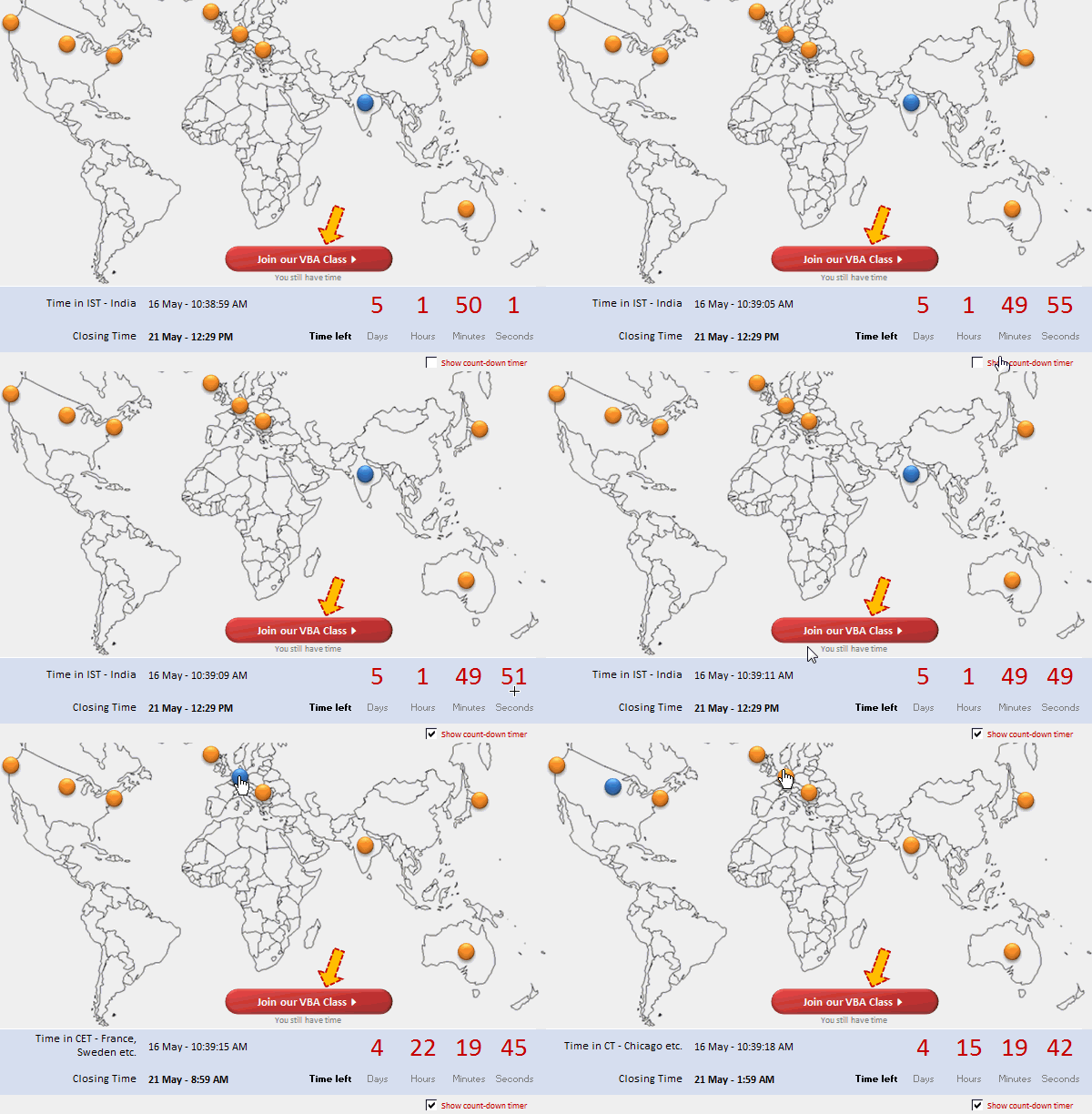
Here is a cool count-down timer application made in VBA to remind you about our VBAClasses registration closing time!
Read the rest of this post to learn how this particular app is built.
If you want to learn VBA, then click here to join our class.