

We went to Hocking hills state park during the weekend, hiked a few miles, had tons of fun watching waterfalls, caves, cliffs, rare plants and infinite greenery. The trip has been thoroughly grinding with almost every place looking spectacular and lengthy. We couldn’t really visit all the attractions as both of us were feeling totally tired after what felt like 10 miles of hiking.
I had great time testing our new
Nikon D40 though, some of the shots came really well, at least thats what I thought. Share your feedback so that I can become a better clicker.
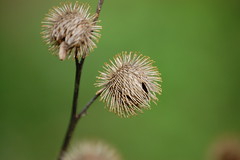
Spotted this while hiking, any idea what they call this?
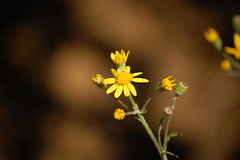
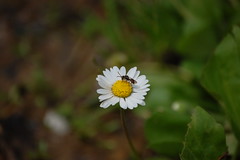
flowers and a bee
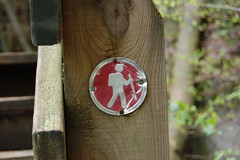
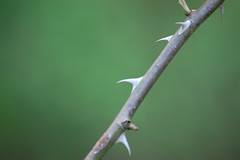
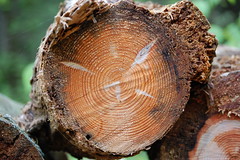
Sharp and a wood block
Happy week ahead!


