

I opened my eyes, everything around me is blurry and cold. I hurriedly looked at the watch, it showed 10:30, but it meant little for I am in a different timezone. While I was trying to clear my eyes the guy who is sleeping infront of me said “hi”, even before I could open my mouth, he asked me if I want to join him for a smoke. I took almost a minute to respond, “yeah, but I dont smoke.”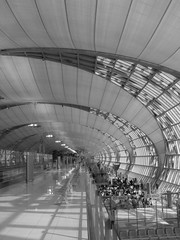
Leaving my bags and jacket there, I wandered for sometime. I took a peek in to the smoking room only to found eight women and two men busy reducing their lifespan. Smiling I went ahead to the brightly lit restaurant zone. Everything seemed incredibly costly. A regular latte for 95 baht and a veg burger is about 90 baht. I didn’t have so much with me. “Lets exchange some”, my sleepy mind suggested. Bloody coffee addiction! I cursed myself and looked out for an exchange point.
After a while and a cup of coffee, my friend asked me to join him for a snack at Burgerking. We found a person eating alone at a table while reading “never eat alone“. After a hearty laugh and some french fries we wandered for a really long time along the alleys of Suvarnabhumi Aiport in Bangkok.
10 hours of it in total. Life in transit lounges could be unimaginably boring


